How to Download a Public YouTube Video: Formats, Quality and Link Tips
Learn which YouTube link to copy, how MP4 and audio choices differ, and why some public videos return fewer qualities.
Read guidePaste your video link below and download in high quality.
Works with YouTube, Instagram, TikTok, Facebook and more!
Download from your favorite platforms with just one link.
It's quick, easy and takes less than a minute.
Copy the video URL and paste it
in the box above.
Select your preferred quality
and format.
Start the download and enjoy
your video!
Save-Froms helps you check a complete public media link and compare the video or audio formats returned for that source. It works in a modern browser on phones, tablets and computers—without requiring an account.
Online media links are not all the same. A YouTube watch link, an Instagram Reel, a TikTok share URL and a Twitch clip can each return different formats and quality levels. Save-Froms checks the individual public link you provide, then displays the choices currently available from the media provider.
Start with our YouTube downloader, Instagram downloader, TikTok downloader, Facebook downloader or browse the complete supported sites directory.
MP4 is a practical choice for video playback on most phones, tablets and computers. WEBM can offer efficient web video when the source provides it. MP3 contains audio only and is useful for permitted lectures, podcasts or music sources. The exact choices are source-dependent; a resolution listed for one video may not appear for another.
| Choice | Useful for | What to consider |
|---|---|---|
| Lower resolution video | Quick sharing and limited storage | Smaller file, less detail on large screens |
| HD video | Offline viewing on larger displays | Larger file and more data usage |
| Audio only | Speech, lectures and permitted music | No video picture is included |
A private, deleted, age-restricted, region-restricted, live or invalid link may not return a downloadable file. Platforms can also change how their public pages and media formats work, so results can vary over time. If a link fails, confirm that it opens publicly in your browser, remove unnecessary tracking text and try the complete canonical URL.
Save-Froms is intended for public content that you created, own, or are allowed to save. It does not grant rights to copyrighted material and does not bypass account access or privacy controls. See the download troubleshooting guide for common link problems and the FAQ for quick answers.
The same paste-and-check workflow is available in modern browsers on Android, iPhone, iPad, Windows and macOS. You do not need to register for the browser workflow. On mobile, the downloaded file normally appears in the browser's Downloads area or the Files app; on desktop it usually appears in your selected downloads folder.
Original platform tips, format comparisons and troubleshooting articles.
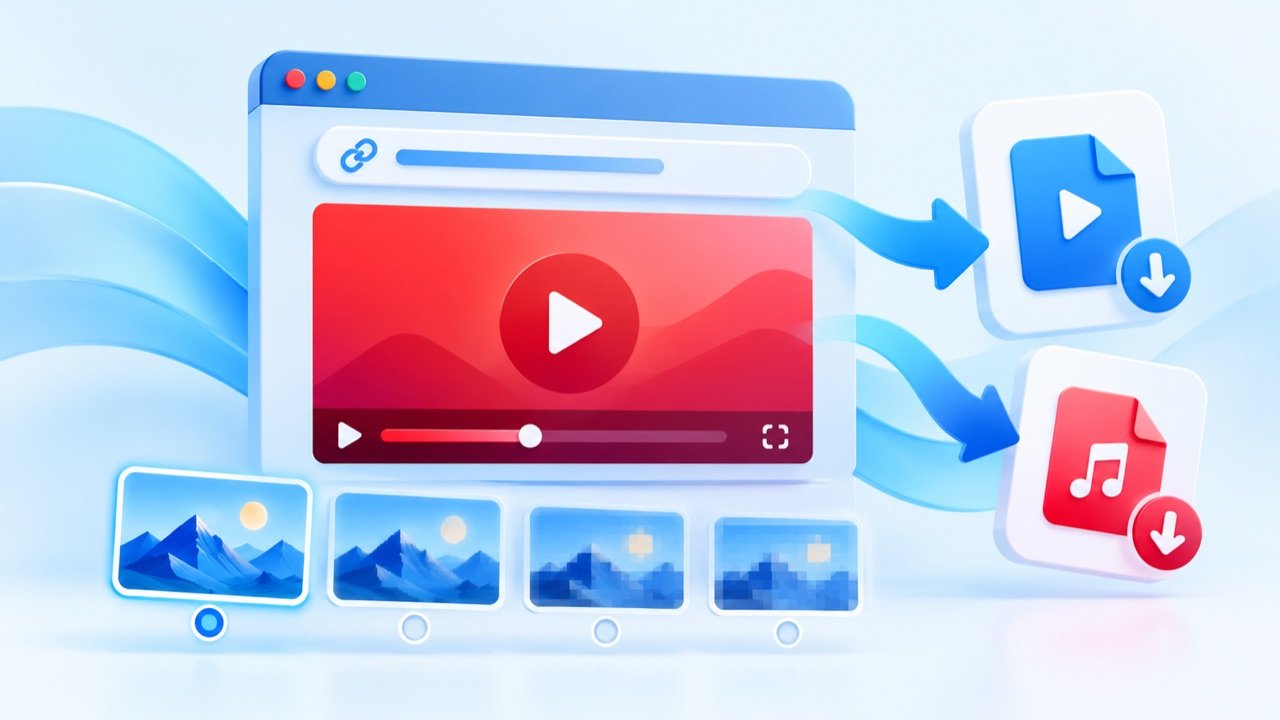
Learn which YouTube link to copy, how MP4 and audio choices differ, and why some public videos return fewer qualities.
Read guide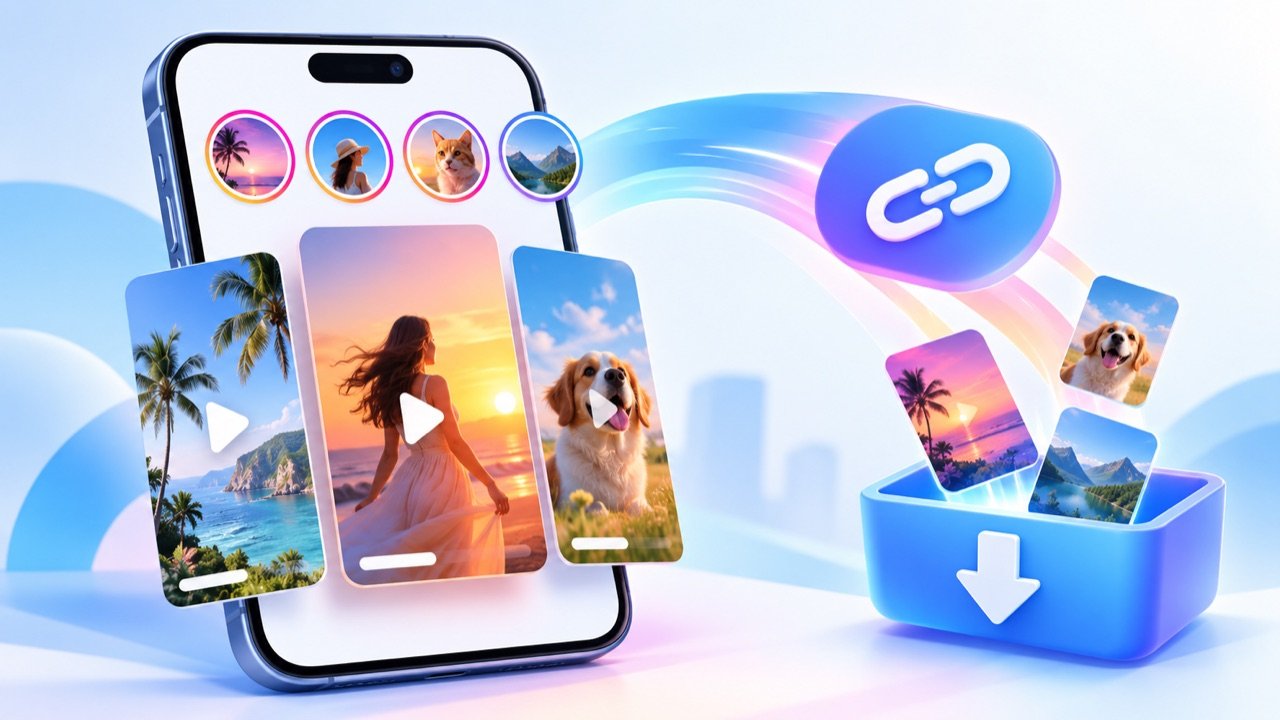
Understand the difference between Instagram Reel, post and Story links before checking available media formats.
Read guide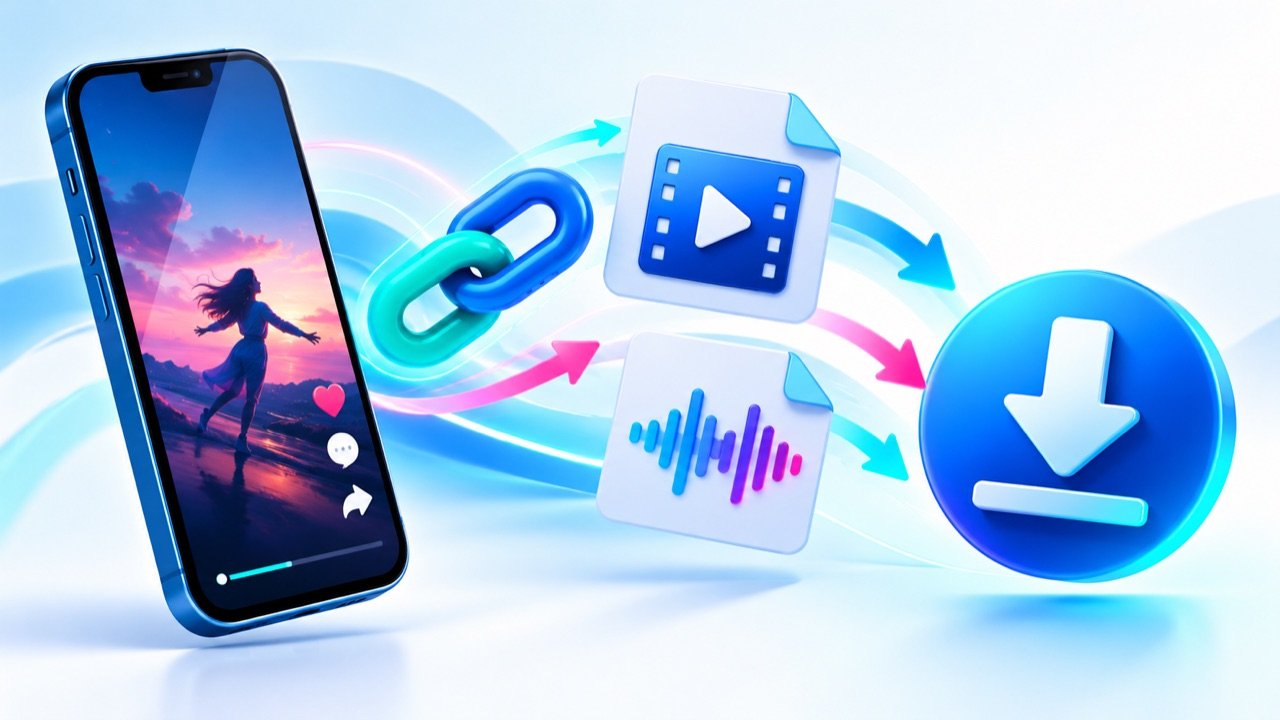
Use complete TikTok video links, understand short share URLs, and choose between video and audio results.
Read guide